Start with the work your business needs now.
Runpoint provides AI implementation for mid-market companies. Most clients start with one of the four paths below and move to the next when they are ready.
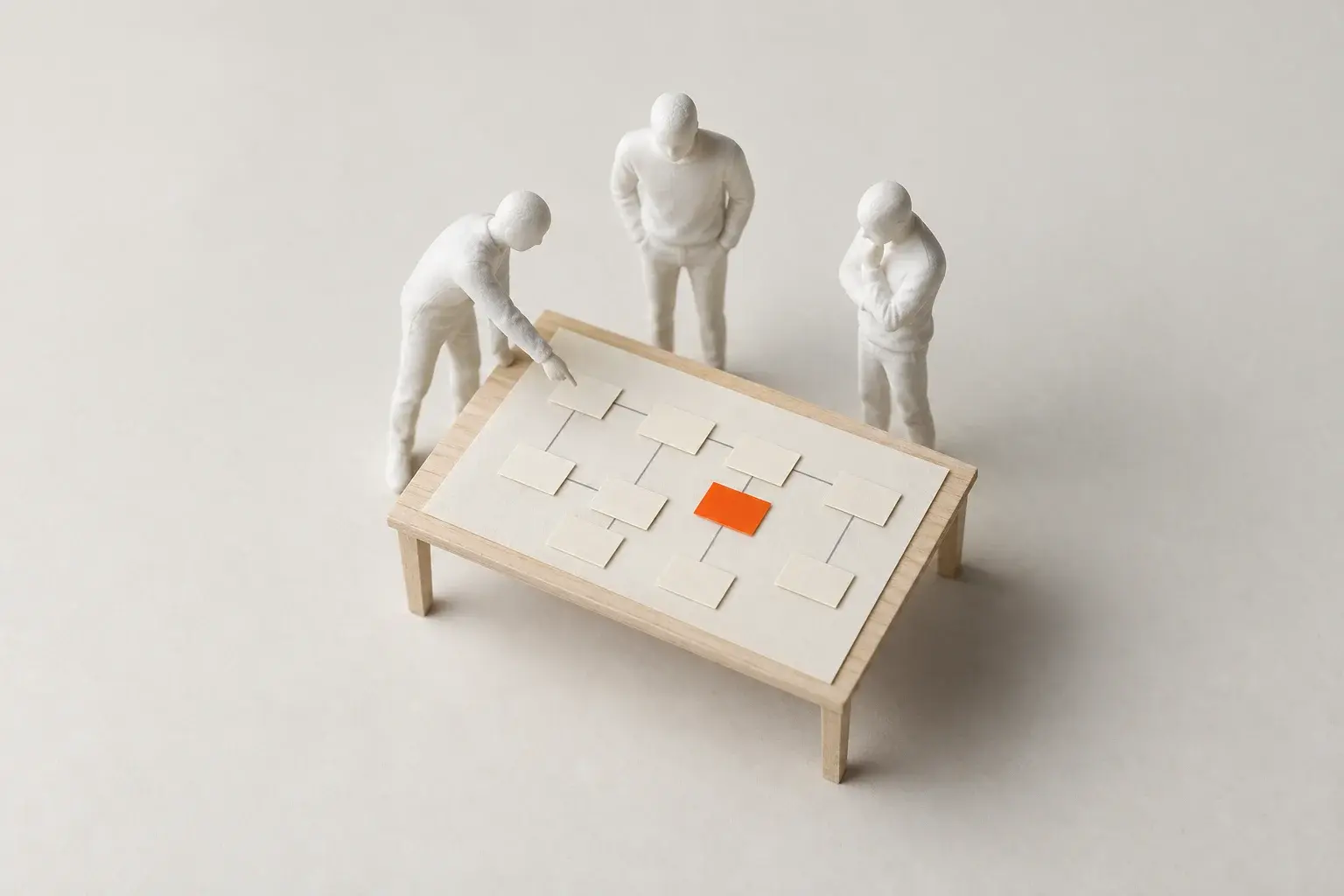
Four ways to work with us.
Pick one to see who it suits, what we do, and what you get.
Education details are below.
Education
- Individual Bootcamp
- Team Bootcamp
- Good fit if
- Your people want to use AI but need help getting started.
- You want skills in place before you buy software.
- What we do
- Pick tasks your team does every week.
- Practice them with a coach, on real work.
- Stay close while the habit sets in.
- What you get
- People who use AI in their daily work.
- A short list of work that needs more than training.
We build the way your company makes decisions.
Some companies want to try new software early, even if it needs fixes along the way. Others want each piece planned and approved before anyone builds it. We can do either. You don't have to change how your company runs to fit us.
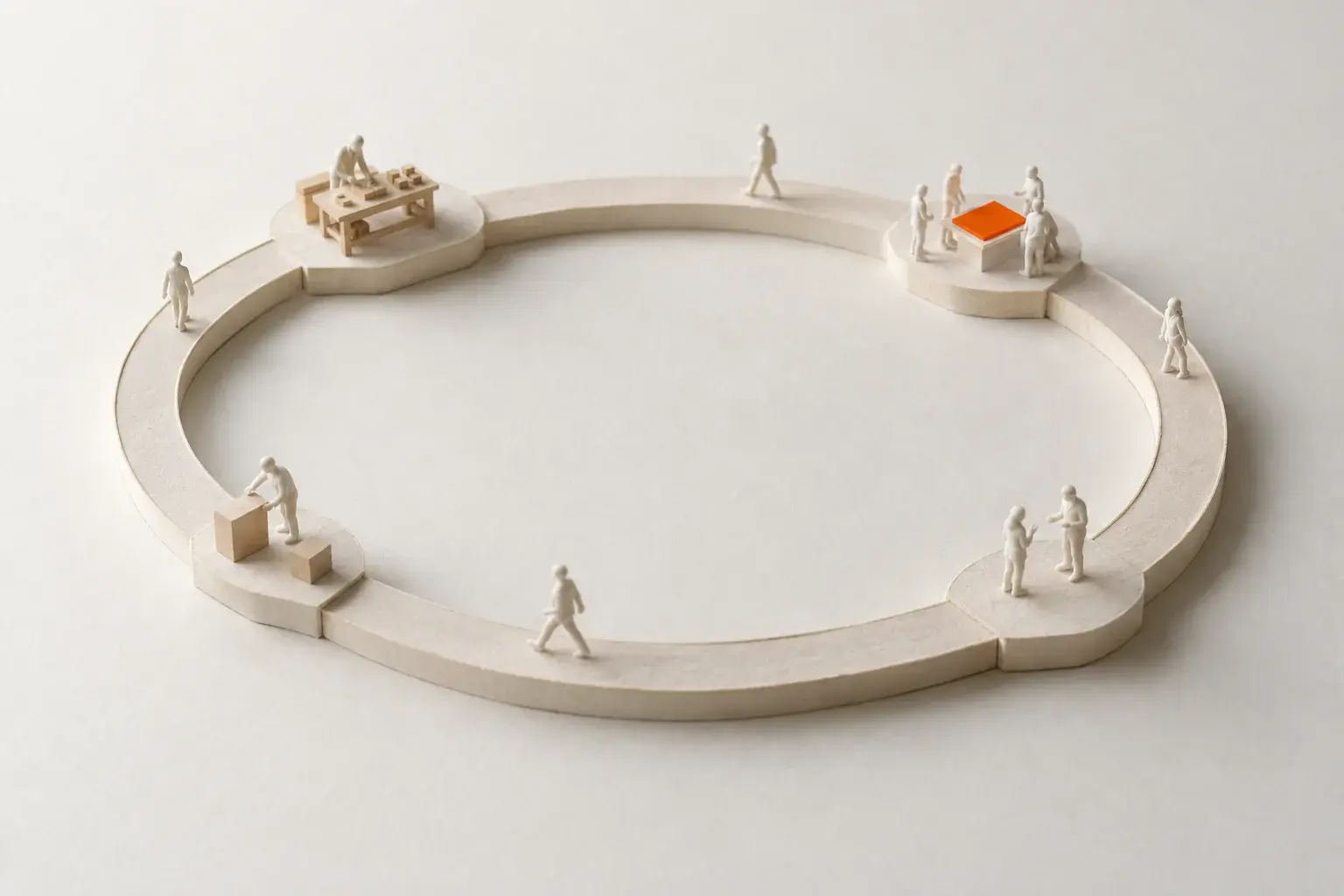
Live Loop
Use it early. Improve it as you go.
- 1We build a small first version your team can use.
- 2Your team uses it in their daily work.
- 3They tell us what helps and what gets in the way.
- 4We make those changes, add a little more, and repeat.
Good fit when: Your team can live with a first version that does less, because they want to see results sooner.
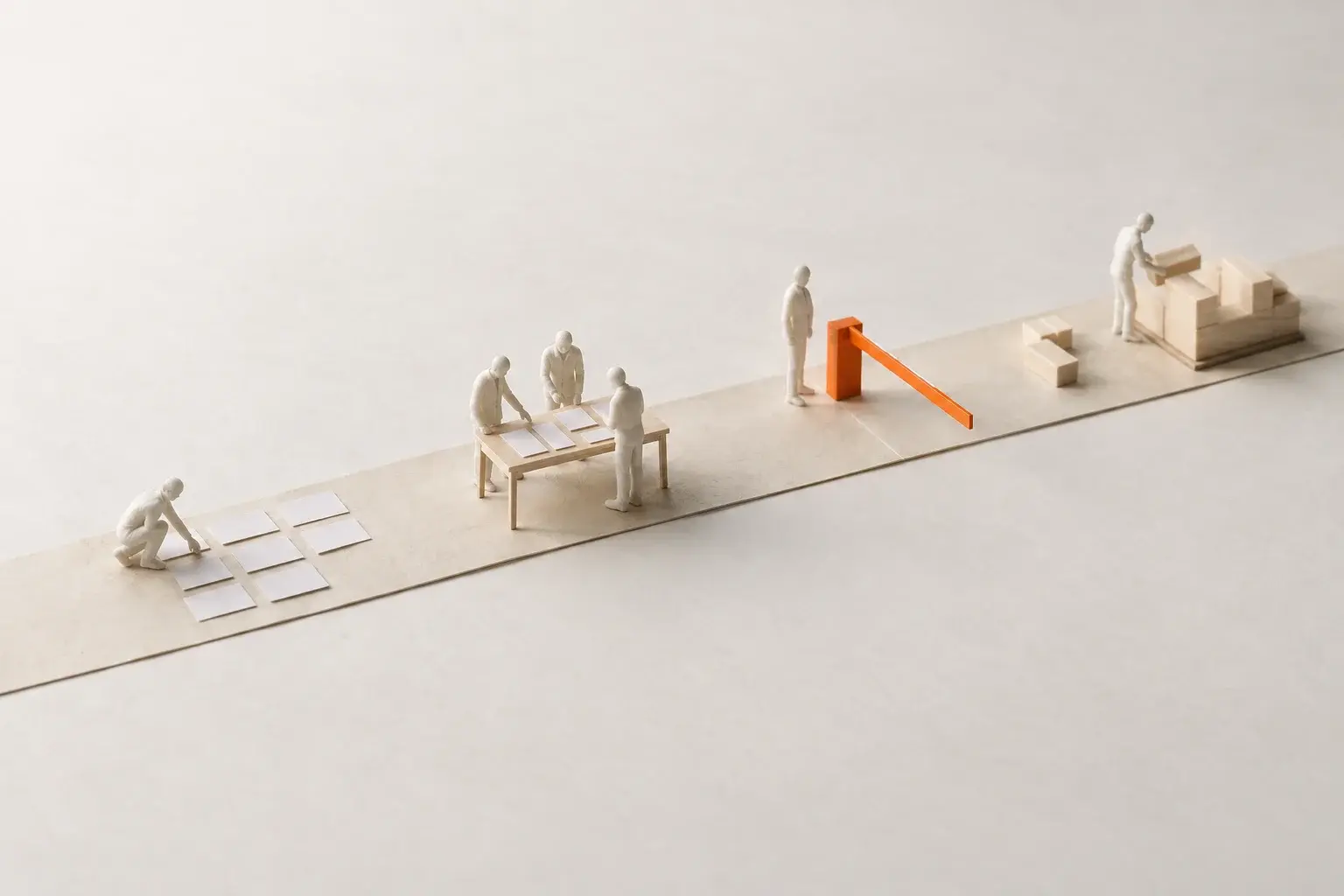
Decision Loop
Plan it, approve it, then build it.
- 1We write down how the work gets done today.
- 2We show you what we plan to build, screen by screen.
- 3The person in charge signs off in Decisions™, our approval tool.
- 4We build and test it before your team uses it, then plan the next piece.
Good fit when: Several people have to agree, or a mistake would cost real money, as with payroll, billing, or compliance.
Most projects use both. A new sales dashboard can go live early and get better week by week. A change to how invoices go out gets planned and approved first.
Technology your team gets to use.
We use AI in every part of our own company, and along the way we built software for the parts of a project that usually slow it down. Each tool comes with the engagements it fits, and your team uses it directly, at no extra cost.
Papercuts™
Used by your people, during discovery.
Anyone can tell us what slows them down: a minute on the phone app, a quick email, or a note from the Chrome extension on the page that is in their way. We catalog every papercut and rank which to fix first.
See how Papercuts works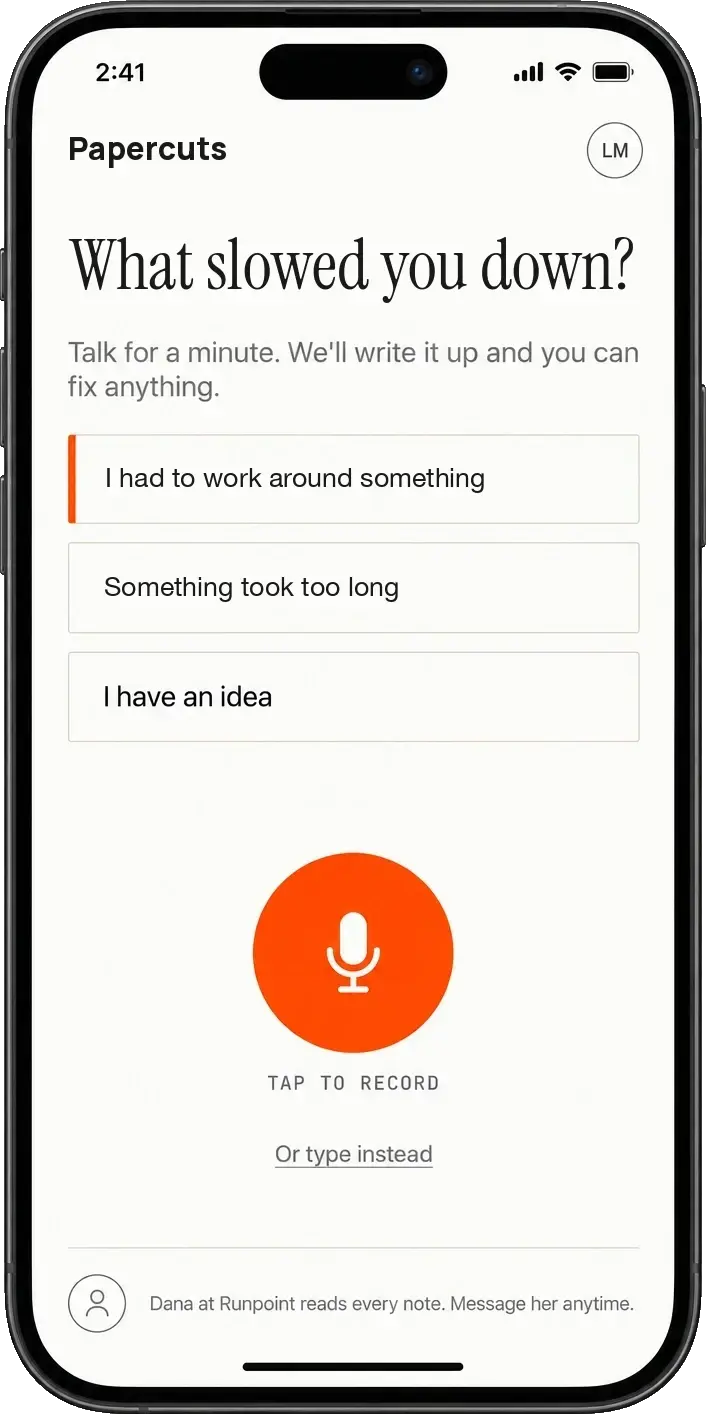
Had to check my own spreadsheet before repricing today's change order. Third time this week.
price-list.jpg
Papercuts
What's getting in the way on this page?
I retype the job number on every screen. Five times per change order.
Attach a screenshot of this page
Send papercutDecisions™
Used by your leaders, while we build.
We send each design or plan to the people who need to approve it. They pin comments right on the screen, see the options and what we recommend, then approve, ask for changes, or decline, so the work does not stall.
See how Decisions works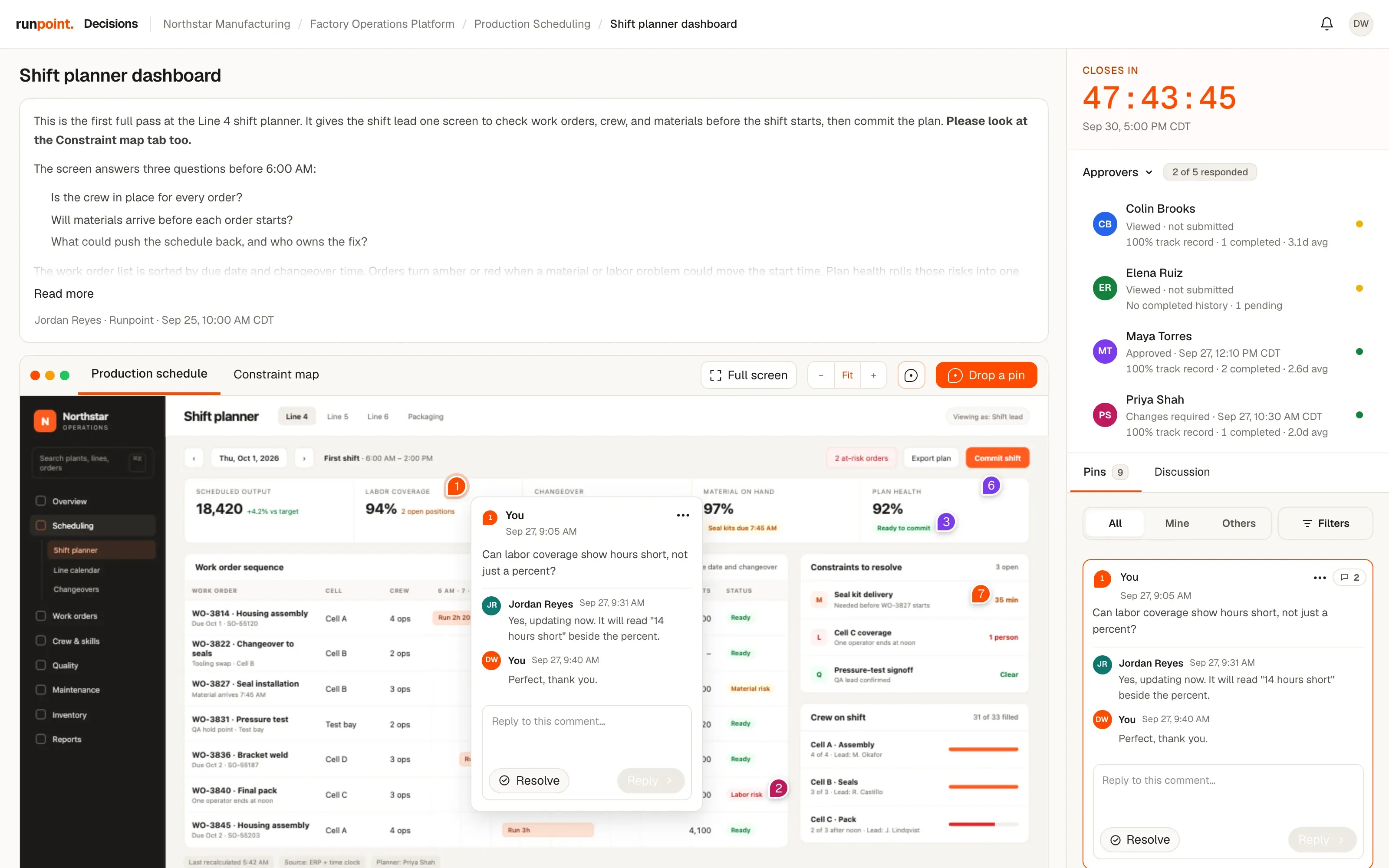
Runpoint Foundation™
Used by your whole team, every day, after launch.
The base of every operating system build. Sign-in, permissions, reporting, and connections to your other tools are already built and tested, so a build that would take about six months from scratch takes two to three. We run Runpoint on it. The screen here is our own CRM.
See how Foundation works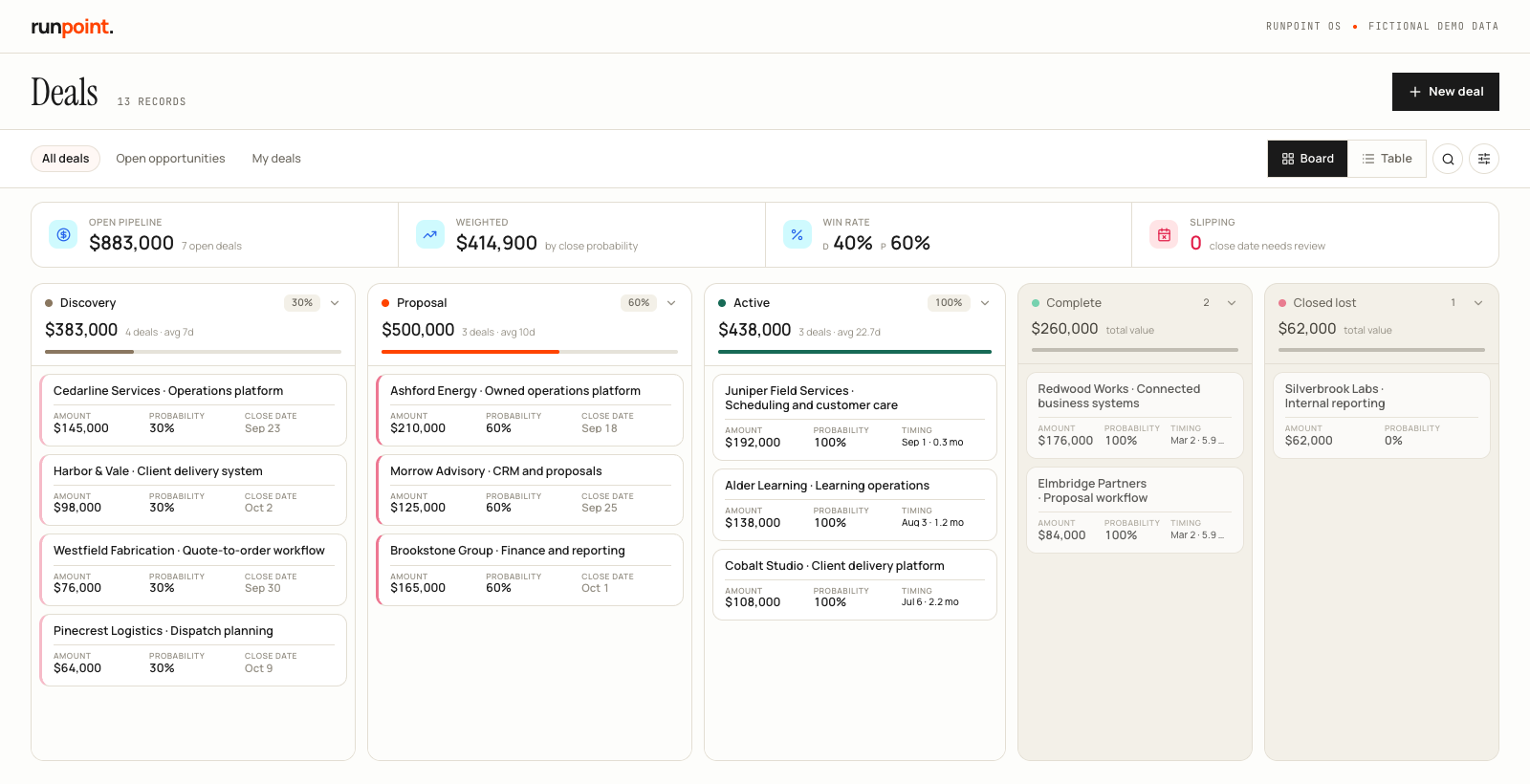
Screens show sample data.
What happens after the project ends?
Almost everyone asks. You own the software. Before we finish, we sit down together and choose one of three ways to keep it running.

We maintain it
We stay on. We check it every day, fix problems, keep it current as your tools change, and build what your people ask for next.
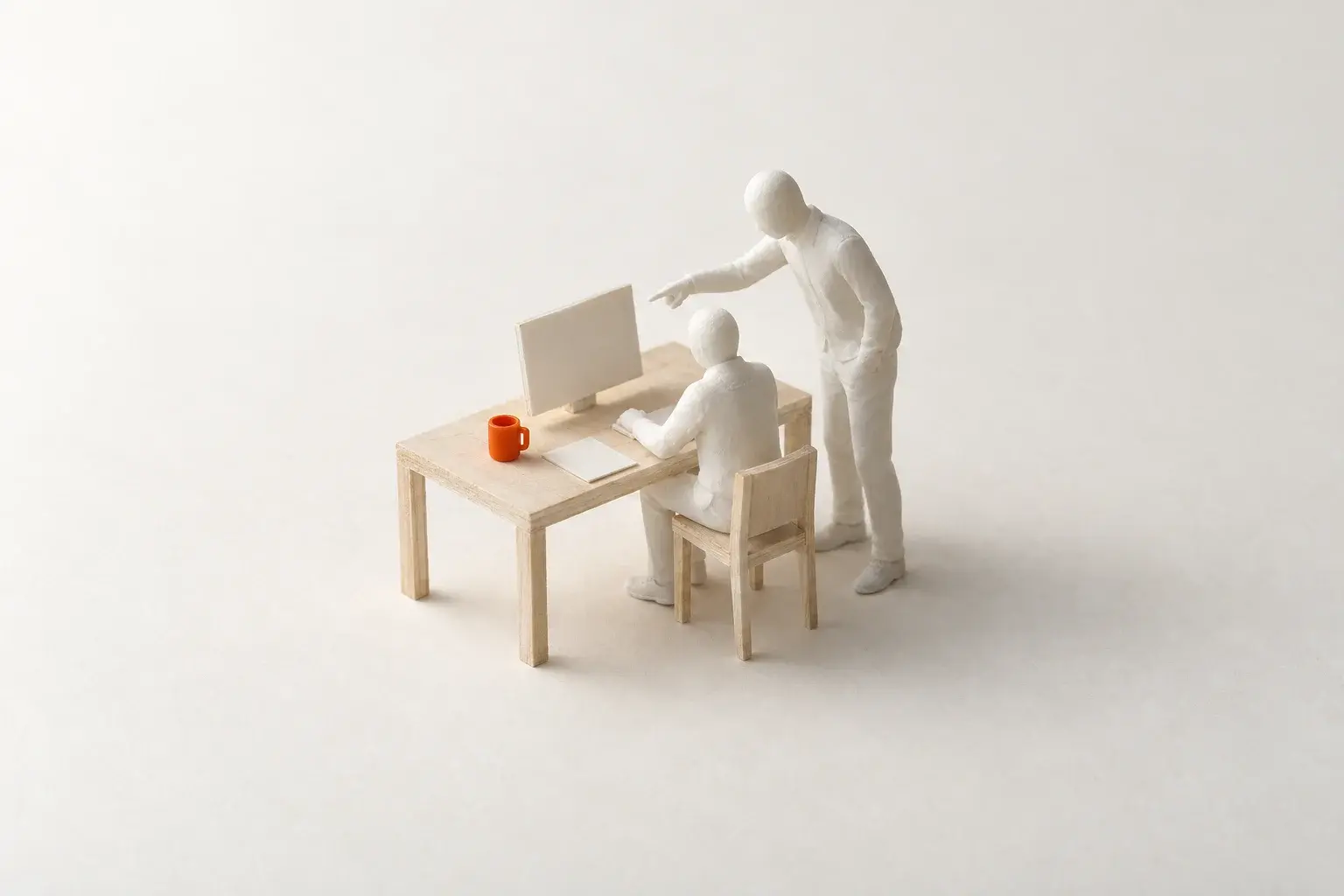
We train someone on your team
We teach one of your people to run it, fix common problems, and make small changes, and we stay close until they are confident.

We help you hire someone
We help you write the role, find and interview candidates, and get your new hire up to speed on the system.
Tell us what you want to change.
Show us the work that is slow, costly, or hard to see. We will look at what is happening and recommend where to start.